How to Take a Snap With the Front and Back Camera (2026)
Open the Snapchat Camera, tap the Dual Camera icon in the Camera toolbar, pick a layout, then take the Snap. Snapchat records the front camera and the back camera at the same moment and puts both in one Snap. The catch is the phone: Snapchat's help centre lists Dual Camera for iPhone XS, XS Max, XR or later, and still says the Android version is coming "soon".
Every Snapchat claim below comes from Snapchat's own help centre, newsroom and Lens Studio documentation, checked on 28 October 2026. The sources are listed at the end.
How do you take a Snap with the front and back camera?
Snapchat's Dual Camera takes three taps, according to Snapchat Support:
- Open the Snapchat Camera screen. The Chat camera works too.
- Tap the Dual Camera icon in the Camera toolbar, the column of icons down the side of the screen.
- Try the layouts, then tap the capture button for a photo Snap or hold it for a video Snap.
The flip camera button still works inside Dual Camera. Snapchat Support says it swaps which camera is the primary view and which is the secondary view, so tap it when your face is filling the big half and you wanted the scene there instead.
From there the Snap behaves like any other. Snap's launch post says you can add music, Stickers and Lenses, send the Snap to friends, post it to your Story, or share it on Spotlight.
What layouts does Snapchat's Dual Camera have?
Snapchat's Dual Camera has four layouts, per Snap's newsroom post of 29 August 2022:
- Vertical and horizontal, the two split screen options.
- Picture in picture, a small window of one camera over the full frame of the other. This is the BeReal-style look most people are after.
- Cutout, the fourth layout Snap lists.
Pick the layout before you capture. Either way the result is one Snap with both cameras in a single frame, not two clips you can pull apart later.
Is there a front and back camera filter on Snapchat?
Snapchat has no filter called front and back camera. The feature people search for as a "front and back camera snapfilter" is Dual Camera, a camera mode in the toolbar rather than a Lens in the Lens carousel. You can still put a Lens on a Dual Camera Snap.
Some Lenses do use both cameras. Snap's Lens Studio documentation describes a Dual Camera feature for Lens creators and warns that "the Dual Camera feature is not supported on all devices". On a phone without support, a Lens built with it falls back to whatever its creator chose, such as asking you to pick a photo or video from your camera roll. If a Lens asks for your gallery instead of opening the second camera, that is the reason.
Which phones have Snapchat Dual Camera?
Snapchat Dual Camera works on iPhone XS, iPhone XS Max, iPhone XR and later iPhones, according to Snapchat Support's "Who is Dual Camera available for" page. The same page says Dual Camera "is available for everyone to use", so it is not limited to Creator accounts.
Android is the gap. Snap's 29 August 2022 launch post promised "Android support in the coming months". Snapchat Support's page, checked on 28 October 2026, still says Dual Camera "will be available on Android soon". That is more than four years after launch.
Why is the Dual Camera icon missing on Snapchat?
The Dual Camera icon is missing for one of three reasons:
- You are on Android. Snapchat Support lists Dual Camera as not yet available on Android, whichever Android phone you have.
- The iPhone is older than an iPhone XS or XR. Those models are not on Snapchat's list.
- Snapchat is out of date. Update Snapchat from the App Store, close it fully and reopen the Camera screen.
How do you do a front and back Snap on Android?
On Android, record the front and back camera outside Snapchat, then post the video to Snapchat from your camera roll. Snap's own Memories announcement (6 July 2016) refers to using a Camera Roll video to make a new Story, which is the route a front and back clip takes.
Three ways to record the clip on Android:
- Samsung Galaxy. Samsung's Camera app has Director's View with Dual recording on select phones running One UI 3.1 and later, with picture-in-picture and split layouts. Samsung says Director's View is not on the Galaxy S24 or S25 series. Recording front and back on Android has the detail.
- Google Pixel. Pixel Camera has no front and back mode, so a Pixel needs a third-party camera app.
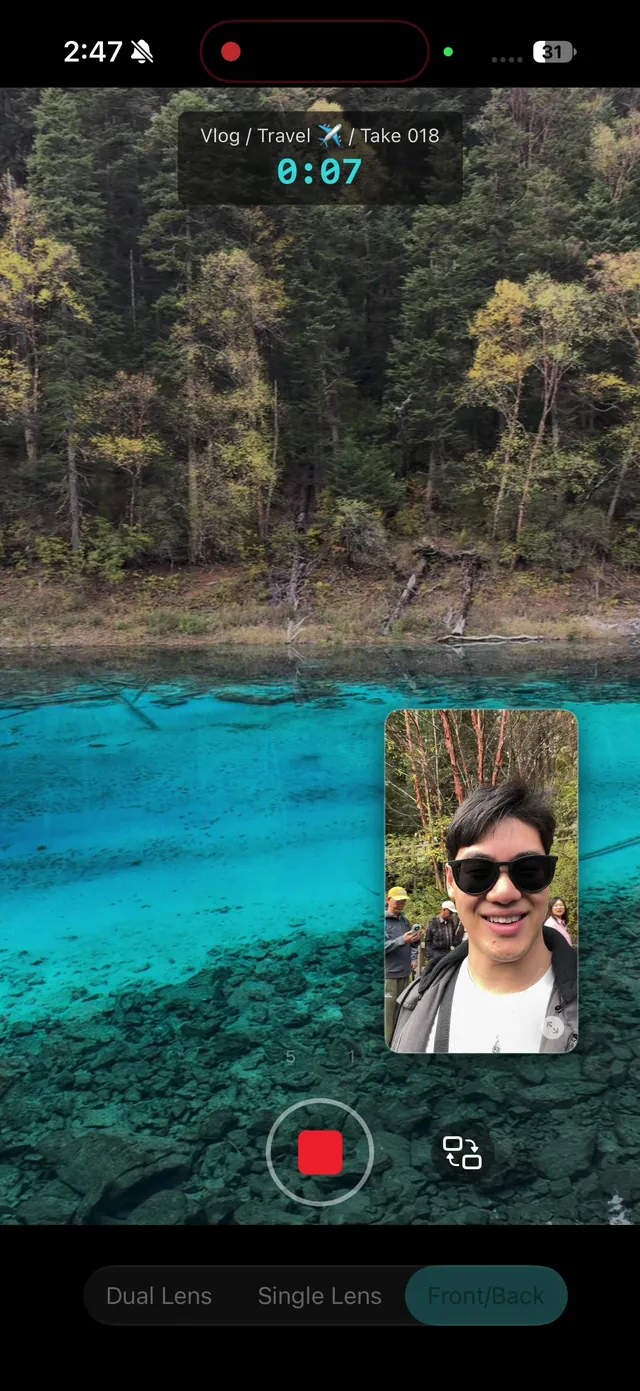
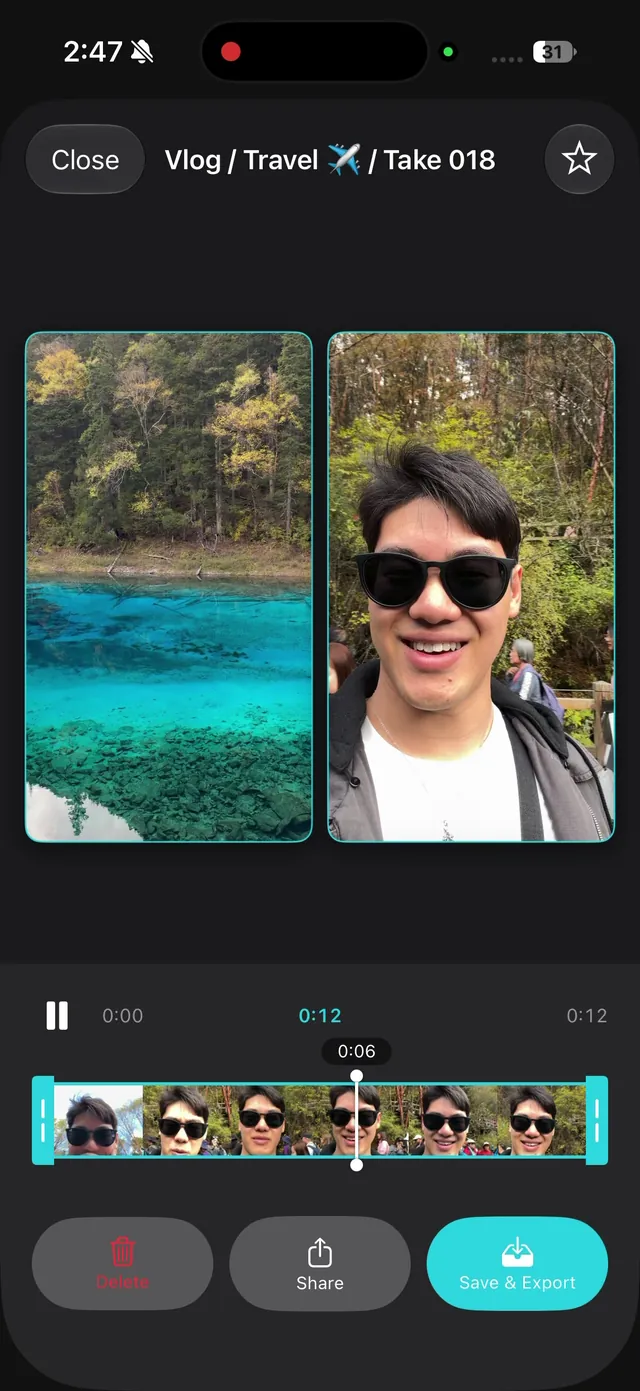
- A front and back camera app. Android 11 added an official way for apps to run two cameras at once, and each phone reports which camera pairs it can run together. ContentCam's Front & Back mode uses it on iPhone and Android and saves the selfie and the scene as two separate files. Two files means you lay them out in an editor such as CapCut before posting, which is extra work for one Snap and the right trade if the same clip is also going to TikTok or Reels.
Should you use Snapchat Dual Camera or record front and back outside Snapchat?
Use Snapchat Dual Camera when the Snap is the whole point: a reply to a friend, a Story, a quick Spotlight post. It is free, fast, and the layout is done for you.
Record outside Snapchat when the clip has a second life. A Dual Camera Snap is one frame with both cameras in it, so the reaction and the scene come as a single picture. A recording that keeps both cameras as separate files can become a Snap, a TikTok with the face inset in a different corner, and a YouTube cutaway, from the same take.
For the same effect in Instagram, TikTok and the iPhone's own Camera app, the main guide is how to use the front and back camera at the same time.
Common questions
How do you take a Snap with the front and back camera? In the Snapchat Camera, tap the Dual Camera icon in the toolbar, choose a layout, and tap or hold the capture button. The flip button swaps which camera fills the main view.
Does Snapchat Dual Camera work on Android? Not yet. Snapchat Support says it "will be available on Android soon", the same promise Snap made at launch on 29 August 2022. On Android, record front and back with Samsung's Dual recording or a camera app, then post from your camera roll.
Who can use Snapchat Dual Camera? Anyone on a supported iPhone. Snapchat Support says Dual Camera "is available for everyone to use", not only Creators.
Can you use Lenses with Dual Camera? Yes. Snap's launch post lists Lenses, music and Stickers as working with Dual Camera.
Can you take a front and back photo on Snapchat, not only a video? Yes. Tap the capture button in Dual Camera for a photo Snap. For two separate photos you can edit independently, see how to take a selfie and photo at the same time.
Sources, checked 28 October 2026: Snapchat Support, What is Dual Camera on Snapchat and how do I use it and Who is Dual Camera available for on Snapchat; Snap Newsroom, Dual Camera (29 August 2022) and Memories (6 July 2016); Snap for Developers, Lens Studio: Dual Camera. Samsung and Pixel details are from the sources in the Android front and back guide.
No Dual Camera on your phone? ContentCam records the front and back camera in one take on iPhone and Android, as two separate files. Free to try.


Related: how to use the front and back camera at the same time · front and back camera at the same time on Android · how to take a selfie and photo at the same time · how to film a reaction video on your phone