Press kit
Writing about ContentCam, making a video about it, or citing it somewhere? Everything below is accurate and quotable. If you need something that isn't here, email contentcam.app@gmail.com.
The facts
| What it is | A camera app that records 9:16 portrait and 16:9 landscape video simultaneously from a single take. |
| One-line description | ContentCam records portrait and landscape video at the same time, so creators publish to TikTok and YouTube from one take. |
| Platforms | iOS (iPhone XS and later, iOS 18+) and Android 8.0 and later. App Store name: "ContentCam: Dual Camera Video". |
| Launched | May 2026 on the App Store; Android followed on Google Play from 4 July 2026. |
| Developer | Jimmy Yip, solo independent developer, Sydney, Australia. |
| Headline features | Simultaneous dual-format capture (Single Lens full-FOV, Dual Lens two-camera on iPhone, or Front & Back), photo mode (one tap saves a 9:16 and a 16:9 still), built-in teleprompter, manual controls (EV, white balance 2500–8000K, ISO, shutter), AE/AF lock, timelapse, 4K, 10-bit HDR (iPhone). |
| Business model | Free with an optional premium upgrade, sold as an annual plan (with free trial), a monthly plan, or a one-off lifetime purchase. Prices vary by region; see the store listings. No ads. |
| Traction | 30,000+ downloads across the App Store and Google Play. Rated 4.8 by 1,000+ creators. As at October 2026. |
| Current version | iOS 2.5.1, Android 2.4.1 |
| Privacy | Zero data collection. No accounts, no analytics, no ad or tracking SDKs, no backend. Offline apart from the store's own purchase check. |
| Links | App Store · Google Play · Instagram · TikTok · YouTube · Discord |
Why it exists (the short version)
Creators who publish to both vertical platforms (TikTok, Reels, Shorts) and YouTube either film everything twice or crop one format out of the other and lose framing. ContentCam records the sensor's full 4:3 frame and cuts both deliverables from it, so the landscape file keeps its full width and the portrait keeps its full height. On iPhone 11+ it can also record two rear cameras simultaneously for genuinely different framings.
Assets
Right-click, save. Please don't stretch, recolour or add effects to the logo.
App icon / logo

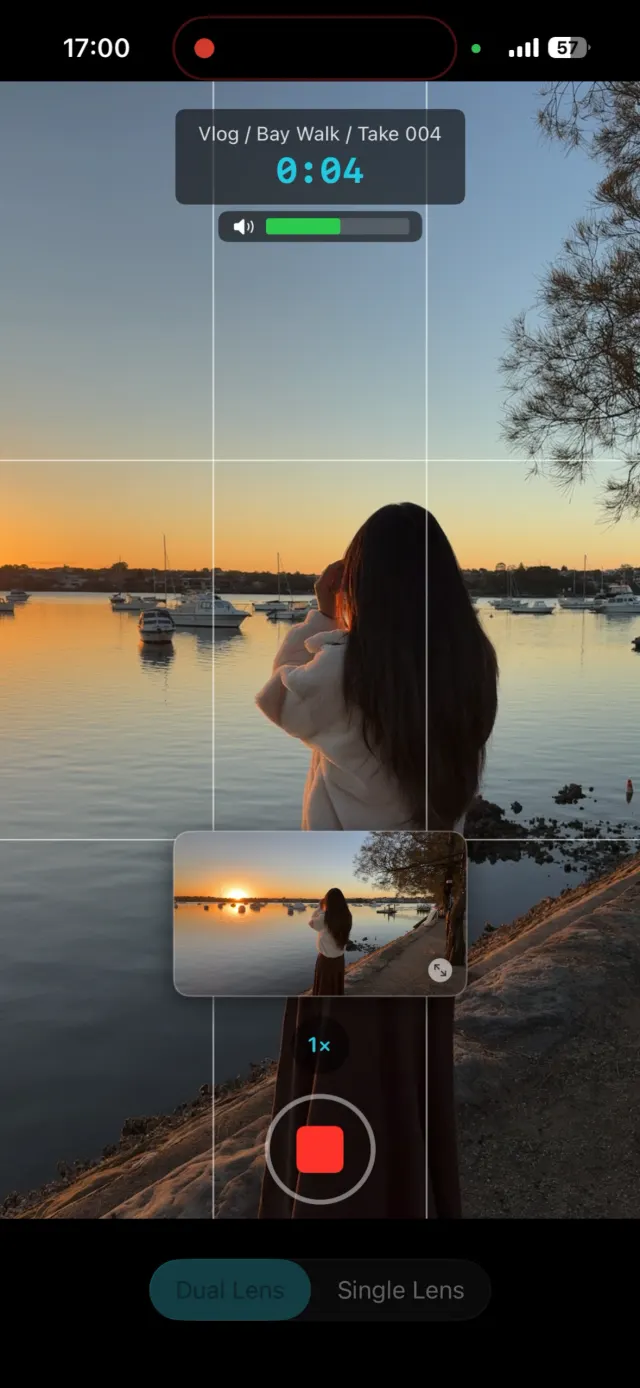
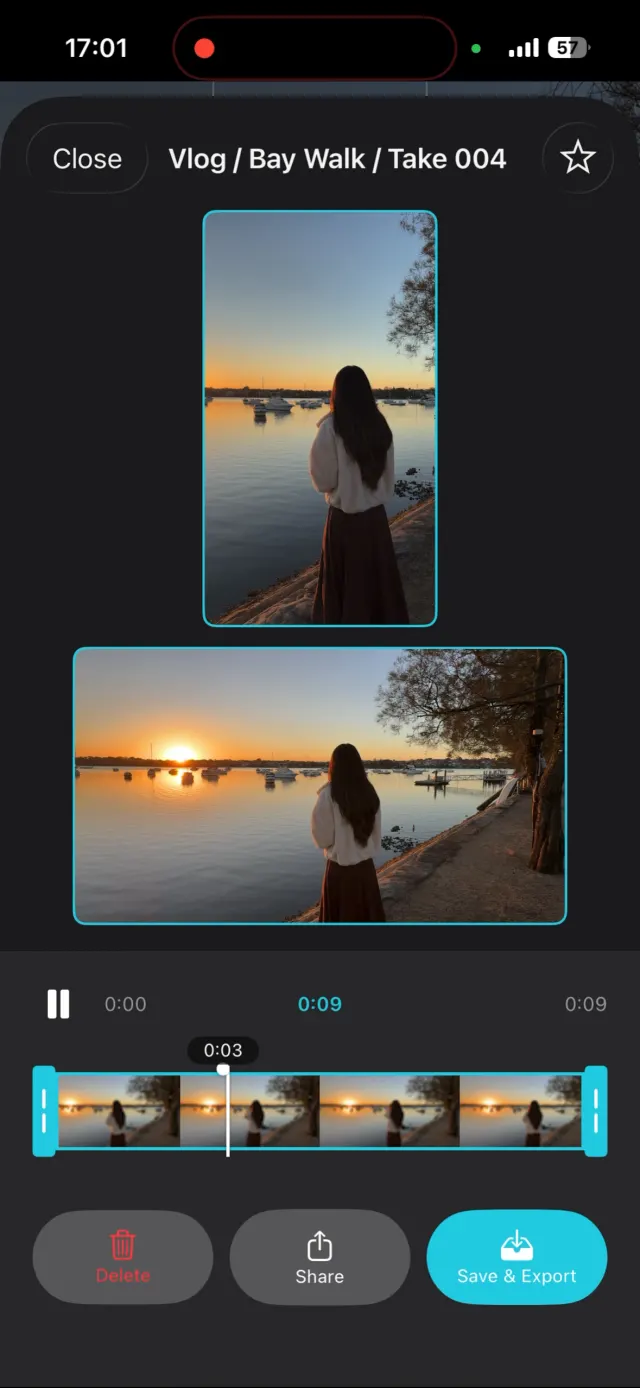
Screenshots
Recording screen · Review screen. Need higher resolution or something specific? Email and I'll send originals.


Last updated: 26 September 2026.