Two videos from one recording
ContentCam records 9:16 portrait and 16:9 landscape video simultaneously. There are two ways it does this, and the difference matters more than it sounds.
The problem with the obvious approach
The obvious way to get two formats is to record portrait, then crop a 16:9 strip out of the middle. That works, and it's what most apps in this category do. The cost: your "landscape" video is a zoomed-in slice of the portrait frame. Everything to the left and right of the phone-shaped view is gone, because the sensor never captured it.
Single Lens mode: crop from the full sensor
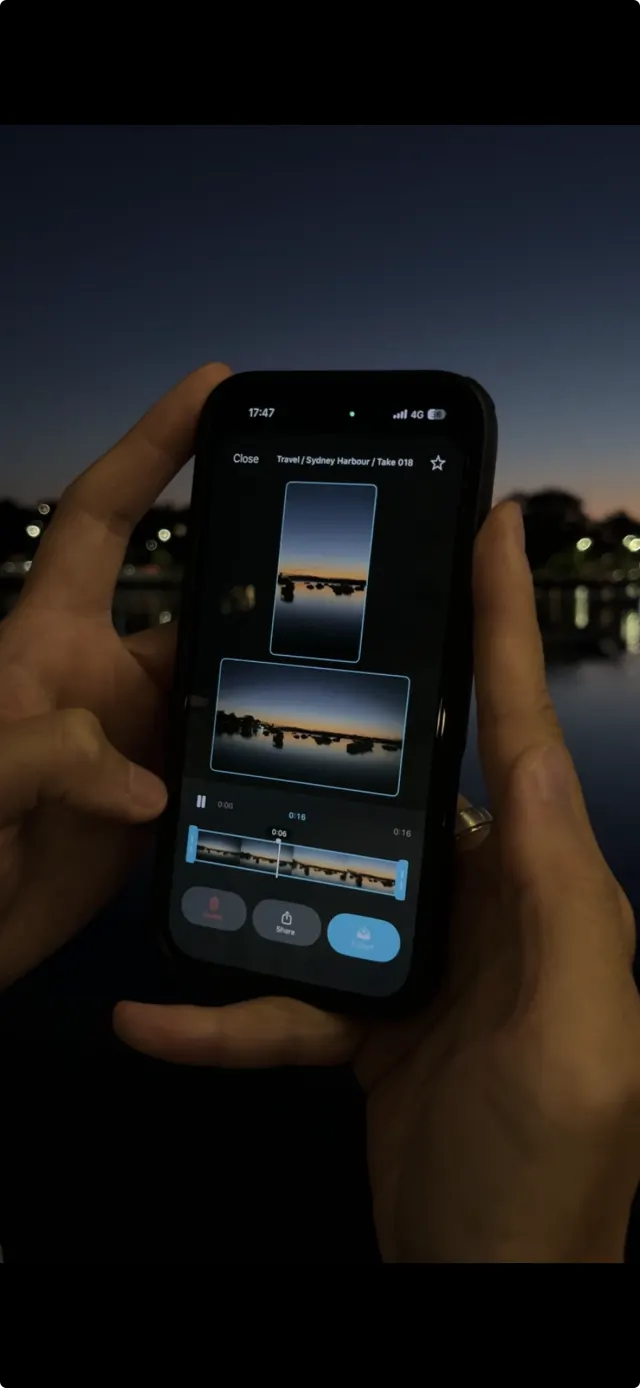
Your phone's camera sensor is 4:3, wider than portrait and taller than landscape. ContentCam records at that native 4:3, then cuts both deliverables out of the bigger frame.
Portrait: full height
The 9:16 crop uses the sensor's full vertical field of view.
Landscape: full width
The 16:9 crop uses the sensor's full horizontal field of view. Not a strip of the portrait, an actual wide shot.
Works on every supported phone, front camera included, and it's the mode 4K uses. This is the free tier's recording mode.
Dual Lens mode: two cameras, two framings
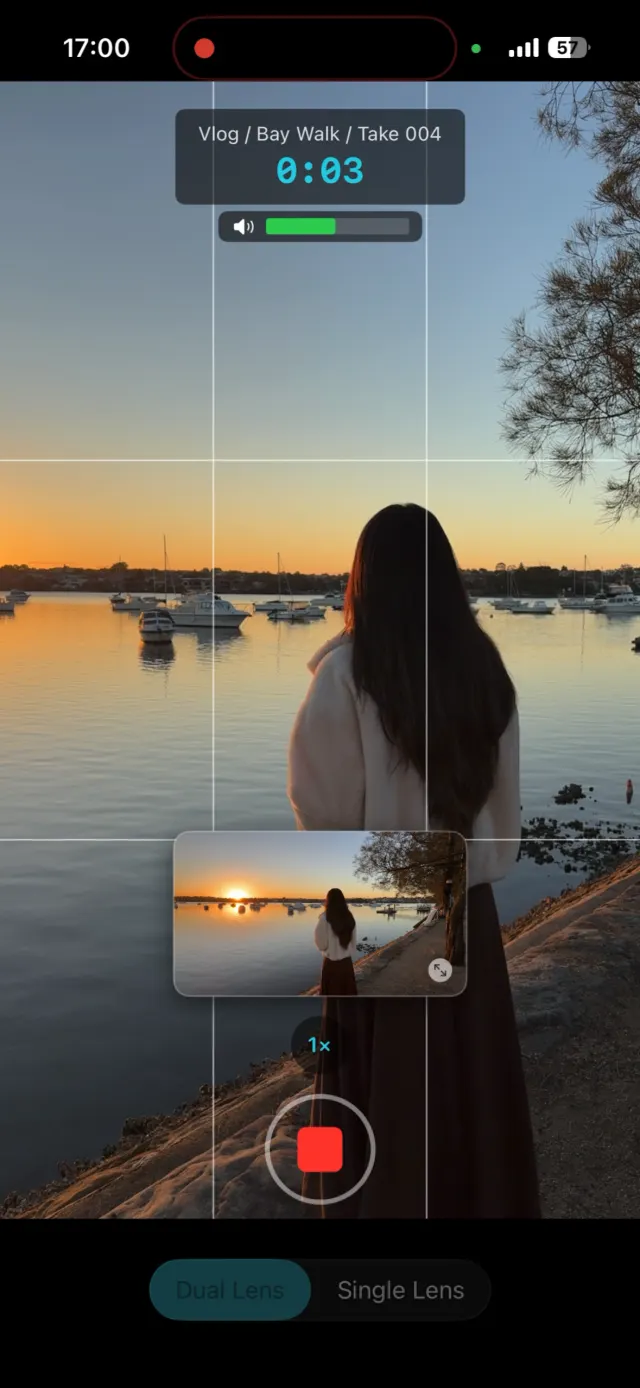
On iPhone 11 and later, ContentCam runs Apple's multi-camera capture: the wide lens records your portrait while the ultra-wide records landscape, at the same instant.
The point is genuinely different framing. Your portrait can be a tight shot for Reels while the landscape is a wide establishing shot for YouTube, from one press of the button. You get 5 free Dual Lens takes to try it; unlimited with Premium. iPhone-only for now.
Mode comparison
| Single Lens | Dual Lens | |
|---|---|---|
| How it works | One camera at native 4:3, both formats cropped from the full frame | Wide + ultra-wide cameras recording simultaneously |
| Framing | Same scene, full FOV in each direction | Two genuinely different framings |
| Devices | iPhone XS+, Android, front camera | iPhone 11+ (rear only) |
| Max resolution | 4K (premium) | 1080p (hardware limit: no phone sustains 4K on two cameras) |
| Tier | Free | 5 free takes, then premium |
Common questions
Is this the same as front + back recording?
They're different modes, and ContentCam has both. Dual Lens (this page) records two rear cameras for two framings of the same scene. Front & Back mode records the front and rear cameras at once (your reaction and your POV in a single take) for reaction-style content.
Do both files record audio?
Yes, both files carry the same 48kHz AAC audio track.
Does Dual Lens drain the battery faster?
Running two cameras costs more power than one, yes. For long sessions, Single Lens is the more efficient choice.
Stop filming everything twice


Read next: How to record portrait and landscape at the same time