Stop filming
everything twice.
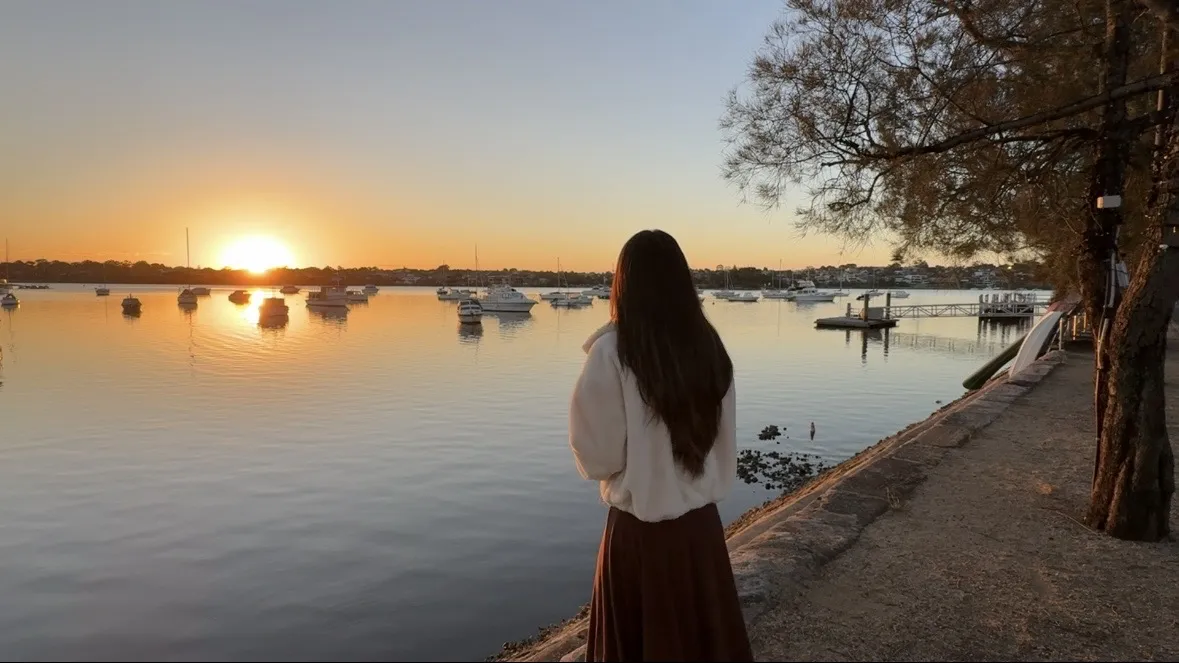
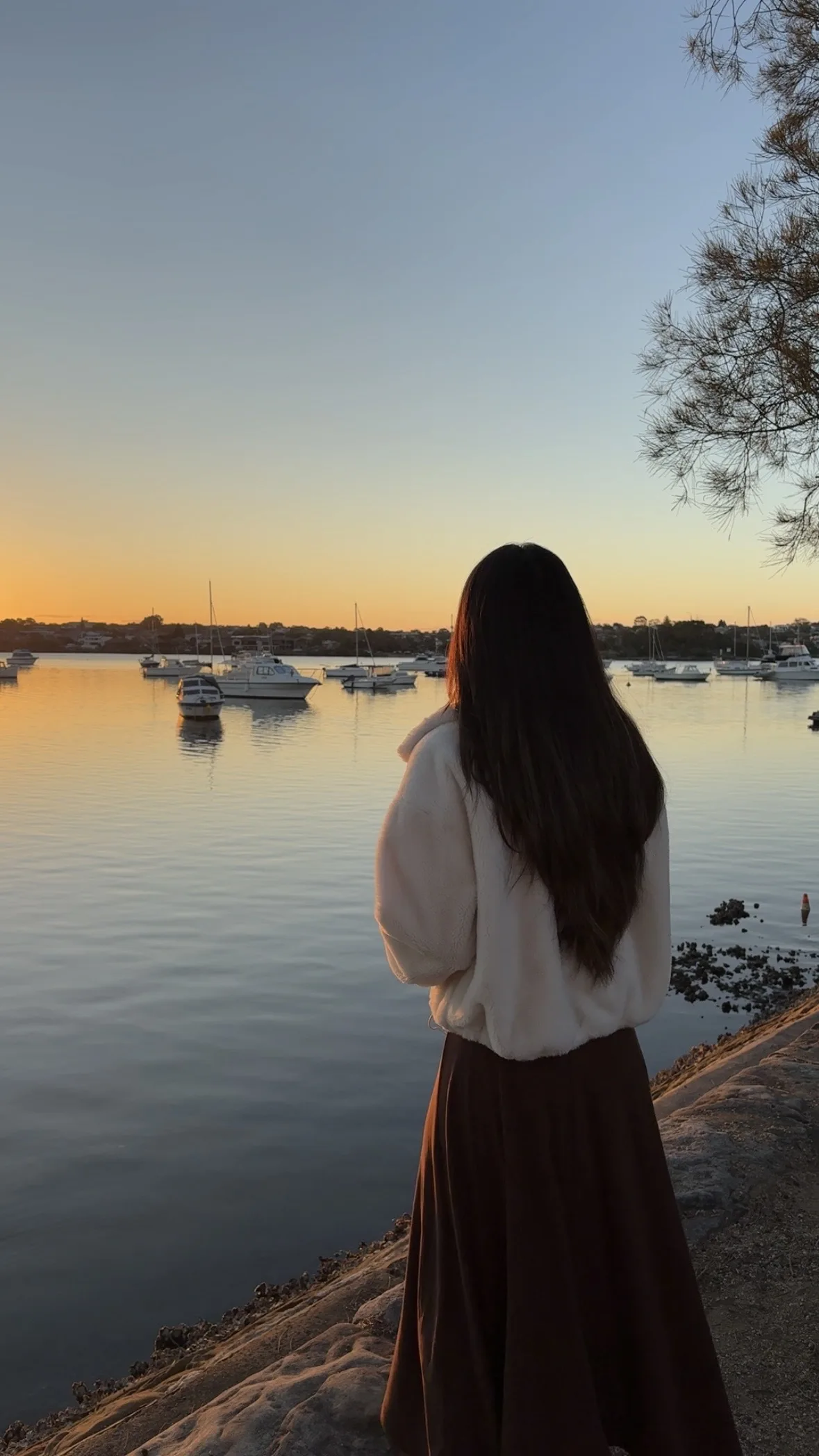
ContentCam records portrait (9:16) and landscape (16:9) at the same time. One take gives you a file for TikTok, Reels and Shorts, and a file for YouTube. Full frame both ways, not a crop.


Rated ★ 4.8 by 1,000+ creators · 30,000+ downloads · Free to download · No ads · No watermark · No account
 16:9
REC
16:9
REC
 9:16
9:16
same moment · two files · one tap
This app literally saves me so much time with the way that it records in both angles separates to two different albums and just makes editing so much easier
Sometimes I have to take a video twice on two different devices and it’s great to be able to do it in one take now!
This app is a lifesaver for people who love recording videos but need the same version horizontally and vertically at the same time
Isn't it just cropped in half?
No. Your landscape keeps the whole scene.
Most apps record vertical, then chop a strip out of the middle to fake a wide shot. You lose everything left and right, upscaled. ContentCam records the sensor's full 4:3 frame and cuts both formats from it. The landscape genuinely shows more of the scene, at full resolution.
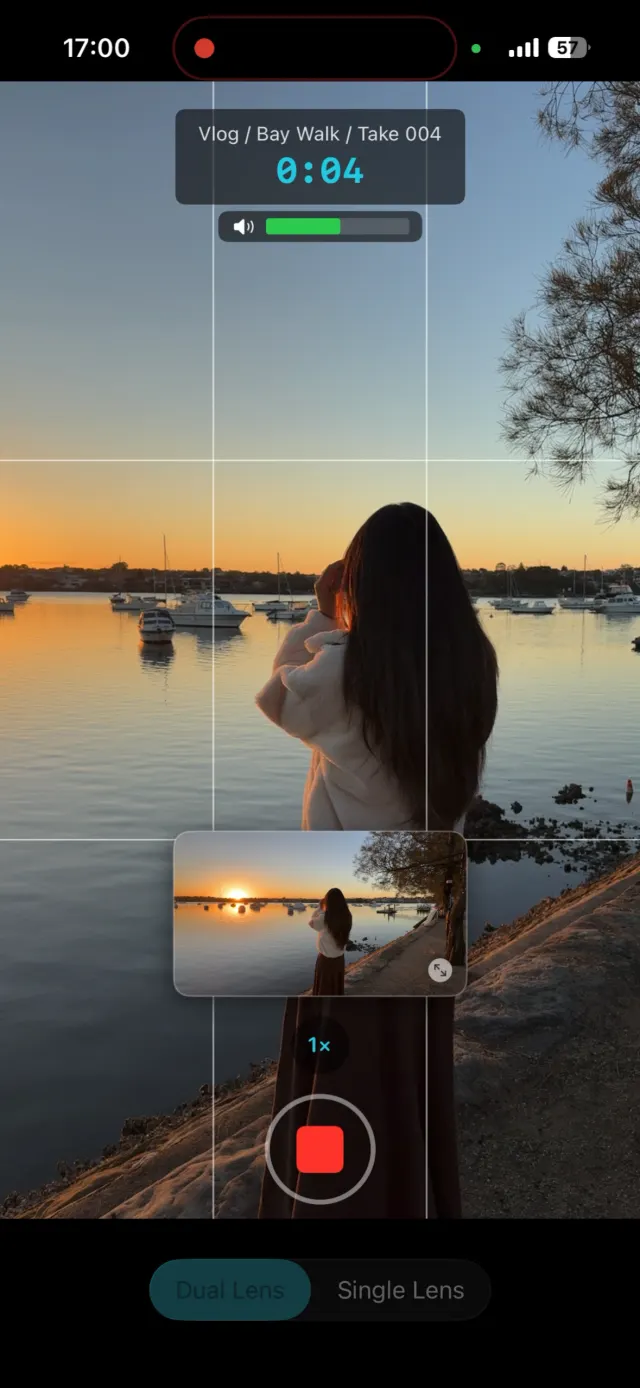
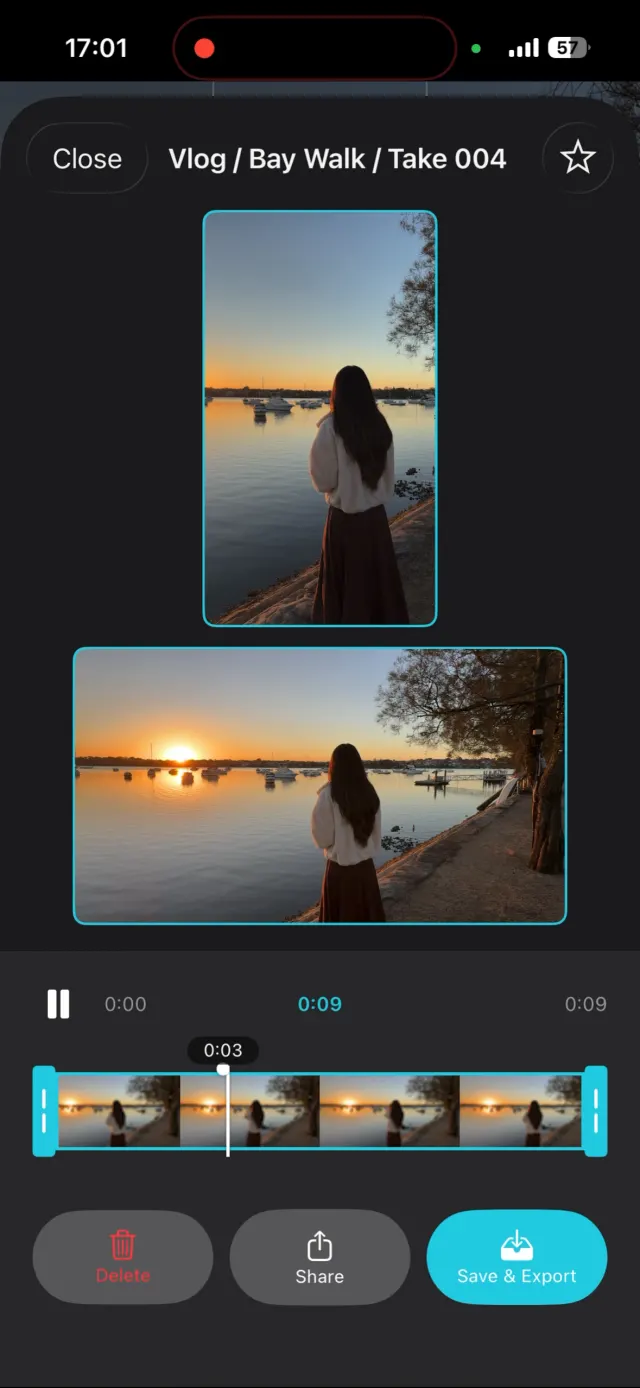
Tried three other apps before this, none worked as good as this one. Most just crop the same view, but this app you can actually choose between single or dual lens, which gives different outputs.
What you actually get
One take. Everywhere you post.
You film the moment once and walk away with what every platform wants: no reshoot, no reframing, no second phone.
Many ways to record
- Single Lens: portrait and landscape from the full sensor, neither a crop of the other
- Dual Lens: wide and ultra-wide at once (iPhone 11+)
- Front & Back: your reaction and the scene together
- Front Cam in both formats, or Stock Cam for portrait only
- Photo mode: a 9:16 and a 16:9 photo in one tap
Shoot like a pro
- HD or 4K, set per format, at 24, 30 or 60fps
- Manual exposure, white balance, ISO and shutter
- Tap to focus, hold to lock focus and exposure
- Built-in teleprompter that scrolls as you record
- Timelapse, 10x to 900x
- Stabilisation, grid, level and an audio meter
Stay organised
- Projects, scenes and takes, with files named for you
- Review both clips side by side and trim to the frame
- Send each project's takes to its own folder
- See how much you can record before you start
- Interrupted takes recovered on next launch
- Overheat warnings before your phone gets too hot
How it works
Three steps, two files.
- Open ContentCam and pick your project.
- Tap record once.
- Two files land in your Photos: a 9:16 and a 16:9, named and ready.
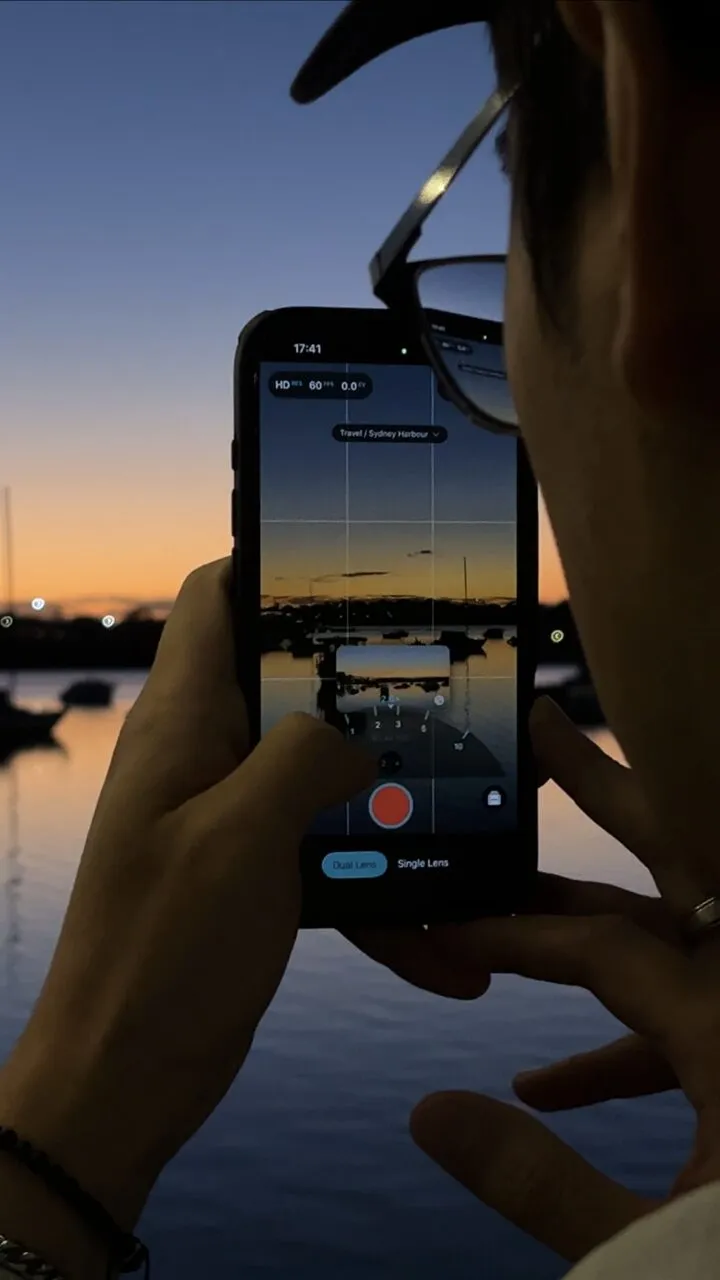
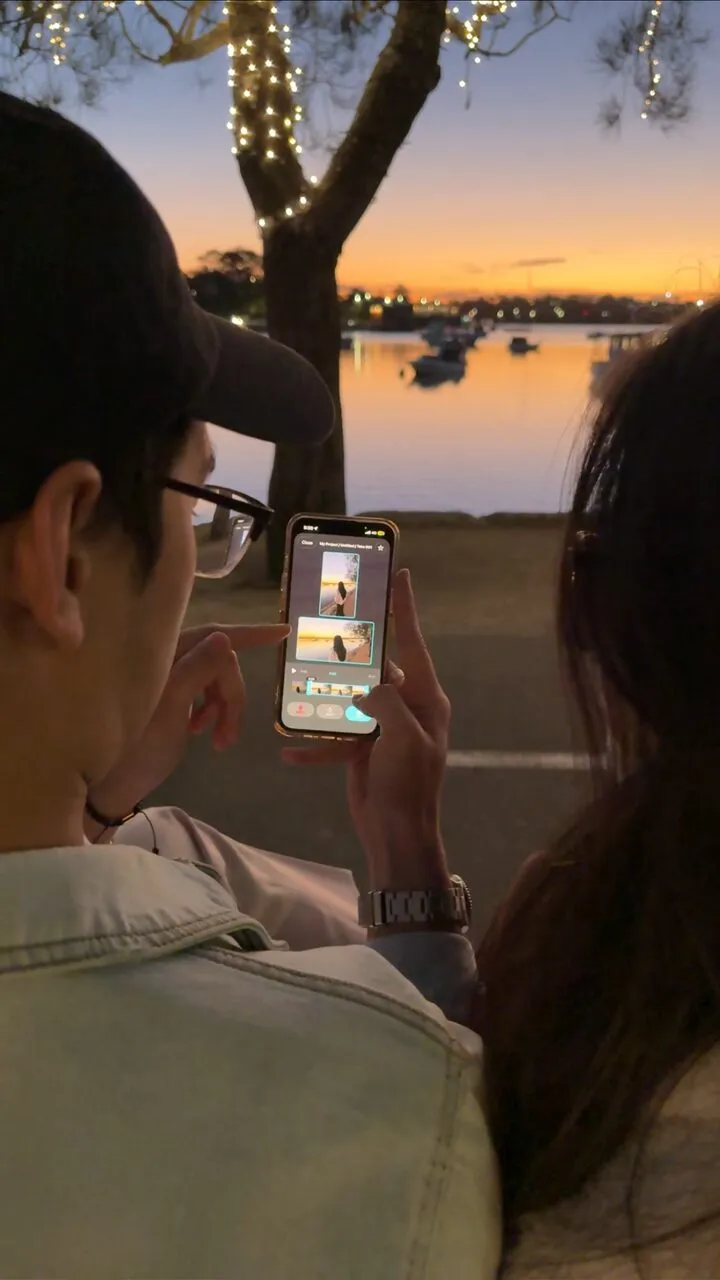
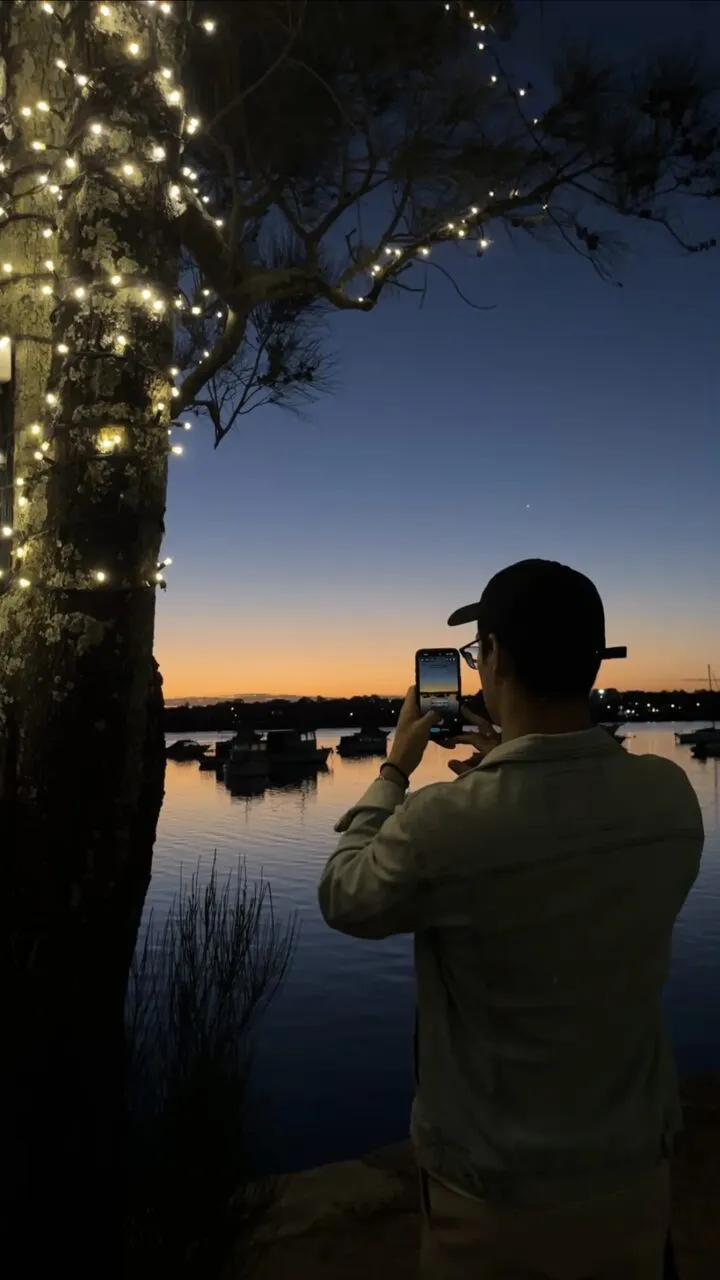
Shot on ContentCam
Golden hour, both formats.
Real takes from creators filming Sydney sunsets, every one captured as a vertical and a wide file in the same tap.
iPhone and Android
The only dual-format app on both.
ContentCam is built natively for iPhone and Android, so whichever phone is in your pocket, one take still gives you both formats.
Pricing
Free to use. Premium when you want more.
The free tier is a real dual-format camera: 1080p, 30fps, front camera, three projects, no watermark. Premium adds Dual Lens (iPhone), Front & Back, photo mode, 4K, 60fps, manual controls, the teleprompter and timelapse.
Try premium with a free trial on the annual plan, pay monthly, or buy it once and own it. Same features on all three. Full feature table →
Love this app, so much better than competitors and offers a lifetime purchase option.
looking for a way to capture horizontal and vertical videos for YouTube and reels at once this is perfect💯. smooth and easy to use app, using for a month and not experienced any lagging with android phone.
ContentCam has been such a helpful app for creating my content. It’s easy to use and makes my workflow so much smoother! Loving the teleprompter feature.
Private by design
Totally private. Zero data collection.
Your footage never leaves your device. Ever.
- No sign-up or account
- No analytics, tracking or ads
- Works offline; only the store's purchase check goes online
- Can add videos to your Photos, never read them
FAQ
Frequently asked questions
Isn't the landscape just a crop of the portrait?
No. In Single Lens mode ContentCam records the sensor's full 4:3 frame and cuts each format from it, so the landscape keeps the full width and the portrait keeps the full height. Each file is encoded on its own in HEVC, at 1080×1920 and 1920×1080 or the 4K equivalents. Neither is an upscaled crop of the other.
Is ContentCam free, or do I need a subscription?
It's free to download and use: Single Lens recording in both formats, 1080p, 30fps, three projects and no watermark. Premium is optional and sold three ways: an annual plan with a free trial, a monthly plan, or a one-off lifetime purchase. All three unlock the same features, priced in your own currency in the App Store and Google Play.
Can I try the premium features before paying?
Yes. Every premium feature can be previewed live, including the manual dials. The paywall only appears when you press record with a premium feature switched on. Dual Lens and Front & Back also give you 5 free recordings each, and the annual plan starts with a free trial.
Is there a watermark?
Never, on any tier, free included.
Which phones does it work on?
iPhone XS and later on iOS 18 or newer; Dual Lens mode needs iPhone 11 or later. Android 8.0 or newer; 4K, 60fps and manual exposure depend on what your phone's camera supports. Dual Lens and HDR are iPhone-only for now.
Can it record the front and back cameras at the same time?
Yes, on iPhone and Android, as two separate files. Front & Back is a premium mode with 5 free recordings to try. Recent iPhones such as iPhone 17 also have Apple's built-in Dual Capture, which saves both cameras as one picture-in-picture file: which iPhones have Dual Capture. How to do it on Android →
How is it different from DualShot Recorder?
Both record portrait and landscape from one take. DualShot Recorder is iPhone-only; ContentCam runs on iPhone and Android, adds Dual Lens (wide and ultra-wide at once on iPhone 11 and later) and a projects, scenes and takes workflow with automatic file naming, and still offers a one-off lifetime purchase alongside its subscriptions. Full comparison →
Stop filming everything twice.
Download it free, record one take, and get both formats ready to post.
Questions? contentcam.app@gmail.com · Discord