How to Film Travel and Food Content for Every Platform in One Shoot
Travel and food are the two niches where you get one take and never again. The dish arrives once, at its best, steam and all. The light hits the harbour for about eight minutes. You're not going to ask the waiter to re-plate, or wait a day for the same sunset. So the worst possible workflow is the common one: film it vertical for TikTok, then realise you wanted it wide for YouTube too, and it's gone.
This is a field guide for capturing a place or a plate once and walking away with everything every platform wants. It's the workflow I built ContentCam around, but most of it is just good habits you can apply with any camera.
Decide the platforms before you press record, not after
The formats haven't changed and they're not going to surprise you:
- Vertical 9:16, TikTok, Instagram Reels, YouTube Shorts. This is where discovery happens for travel and food.
- Horizontal 16:9, YouTube proper, where the longer, higher-value watch time lives, plus anything embedded on a blog or a brand deck.
You want both. The mistake is treating one as an afterthought. Once you accept up front that a good clip should exist in both shapes, everything else in this guide follows.
Shoot the wide, frame for the vertical
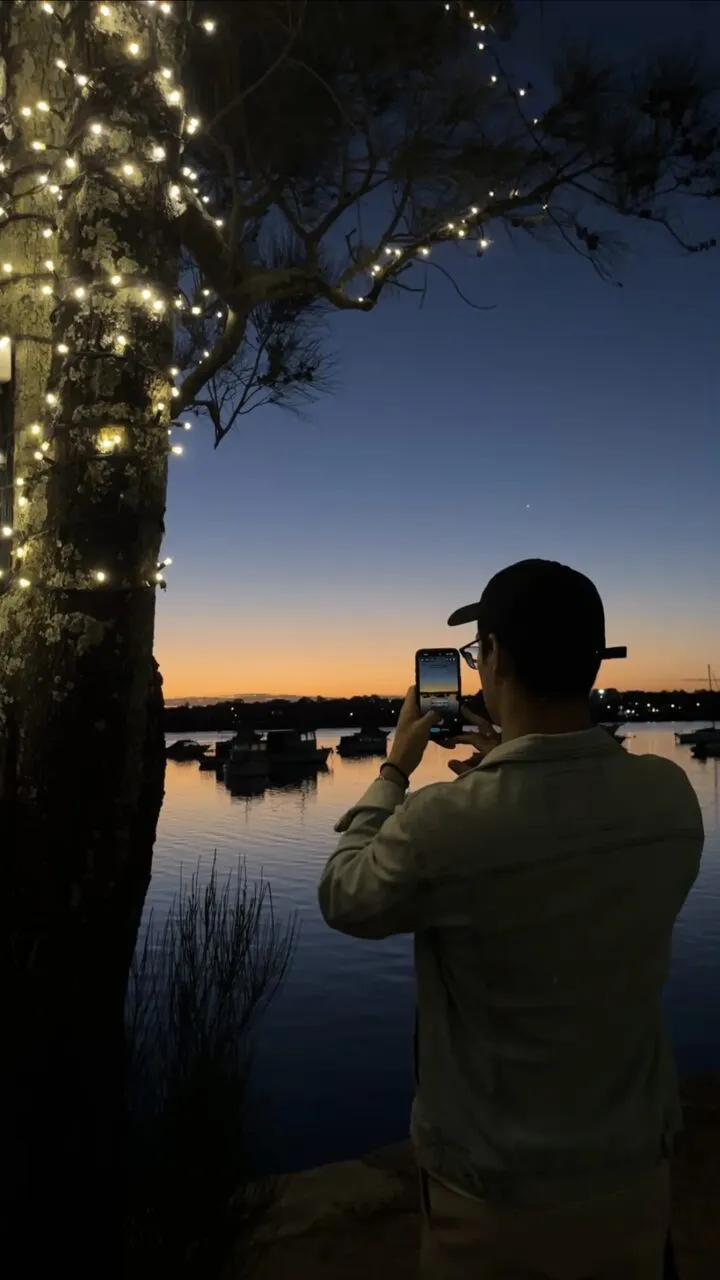
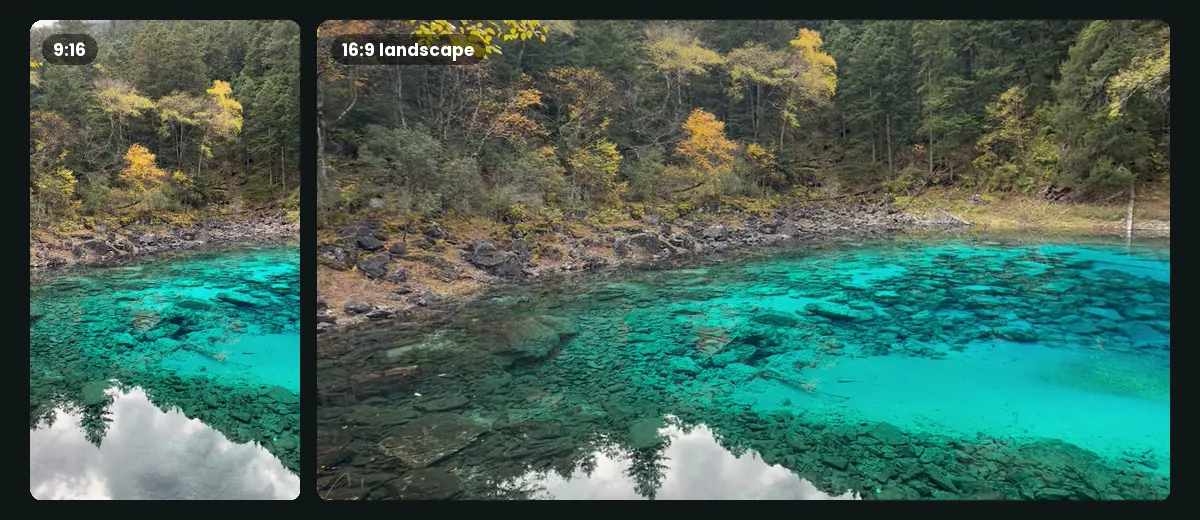
The single most useful habit: compose so your subject, the plate, the doorway, the face, sits in the centre third of the frame. A vertical crop keeps that centre; a wide shot keeps the context around it. Frame that way and one capture reads correctly in both shapes, no reframing gymnastics.
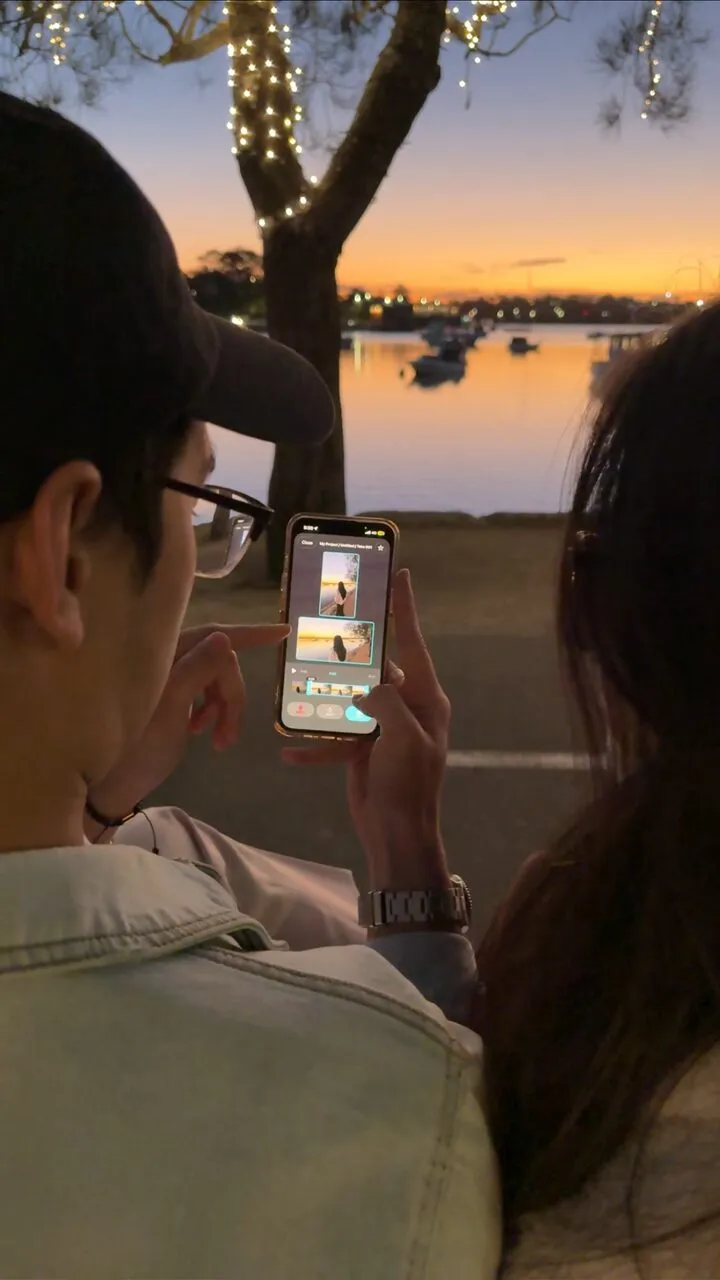
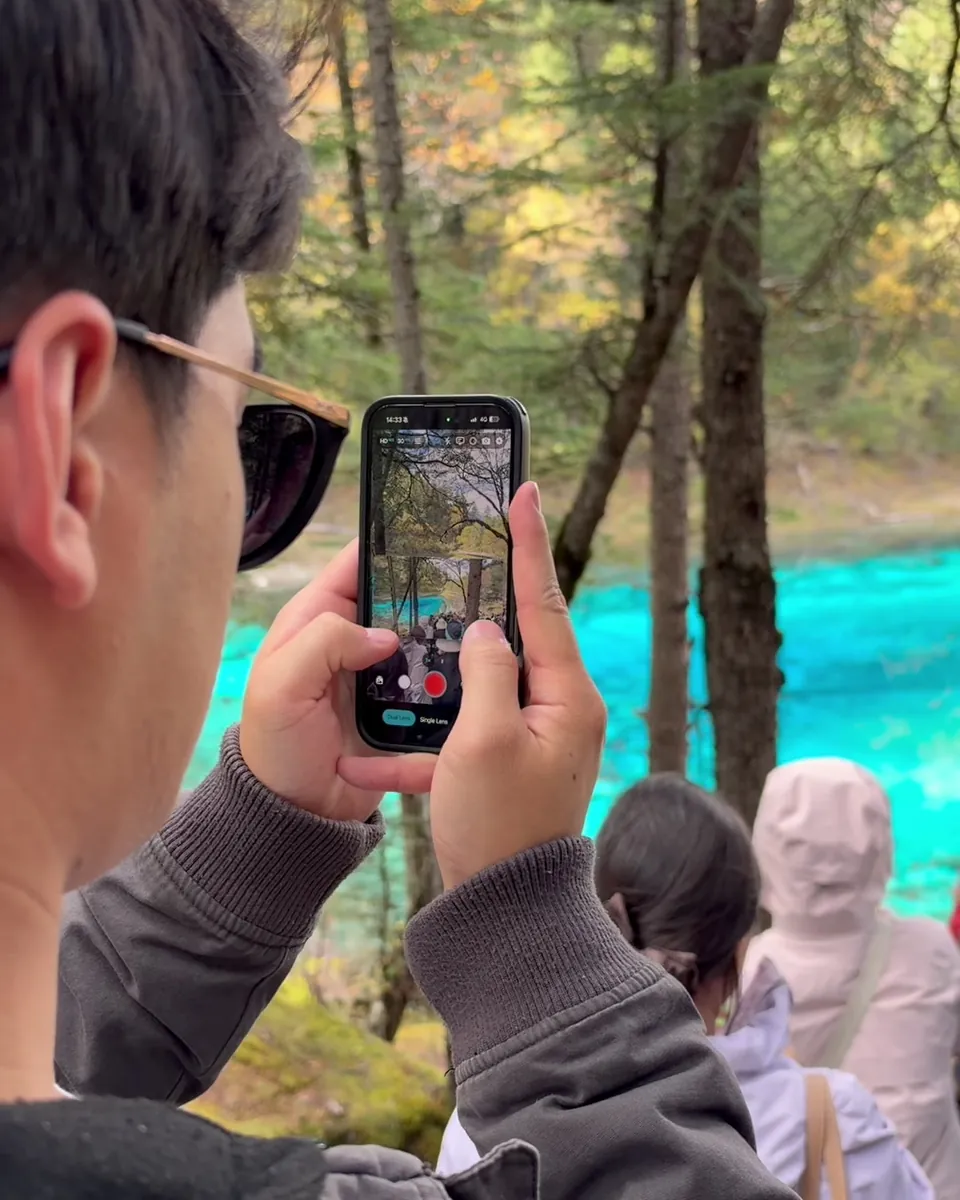
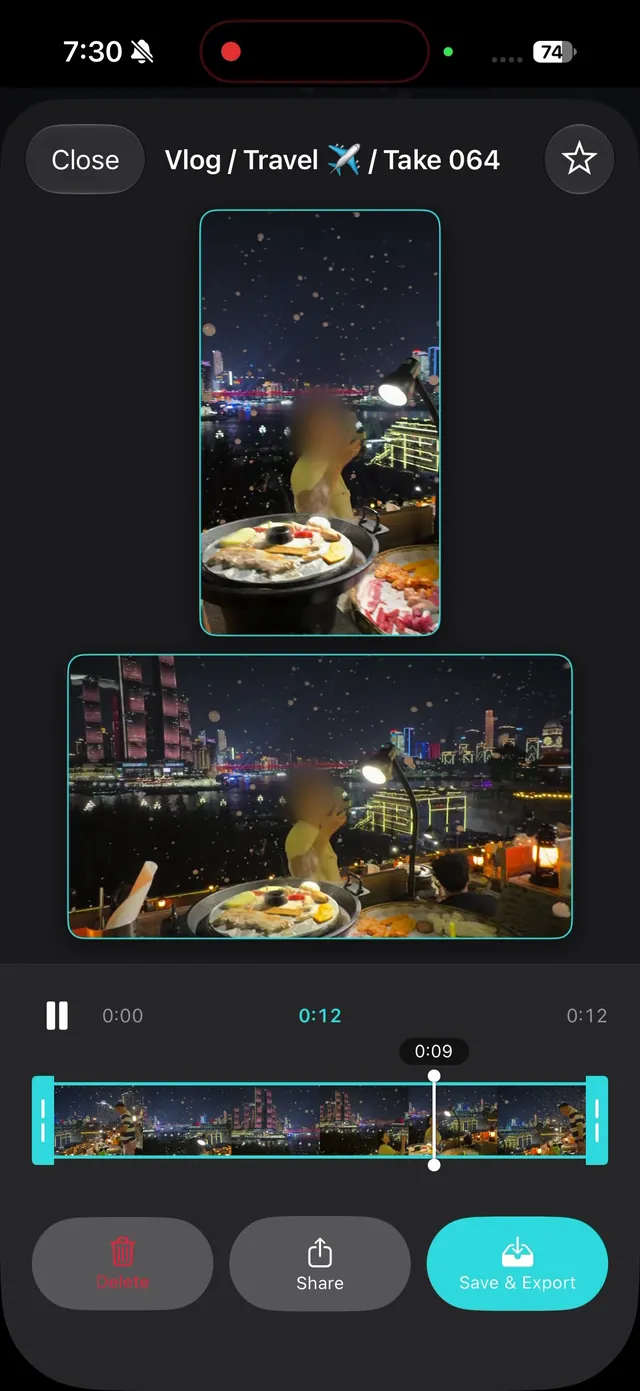
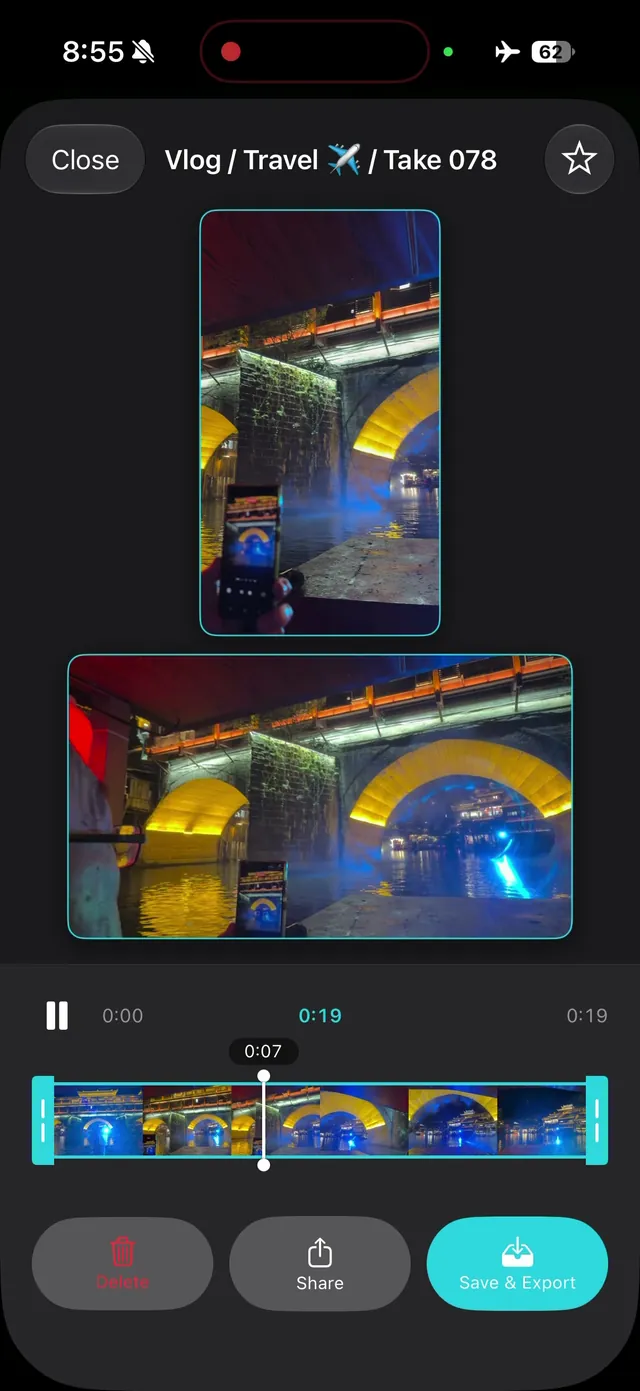
Better still, capture both formats at the same time so you're not cropping at all, the vertical keeps its full height, the wide keeps its full width, and you decide later which platform gets which. That's the whole idea behind ContentCam's dual-format recording: film for TikTok and YouTube in one take.
The travel shot list that always works
When the light's good and time is short, run this and you'll have an edit:
- The wide establishing shot. Hold it steady for a full five seconds. This is your opener and your B-roll bed.
- The detail. One thing up close, a hand on a railing, water over rocks, a market stall. Detail is what makes a place feel like a place.
- The movement. A slow walk into the scene, or a pan across it. Motion holds attention in the first two seconds, which is where vertical videos are won or lost.
- You in it. A piece to camera, even five seconds. Faces outperform scenery on every platform, fair or not.
- The timelapse. Clouds over a coastline, a city waking up. A dual-format timelapse gives you a vertical and a wide version of the same passage of time.
The food shot list that always works
- The arrival. The plate landing on the table, from slightly above. This is your hook, the moment of "want."
- The overhead. Flat, top-down, the whole spread. Clean and graphic; works in any crop.
- The action. The cheese pull, the pour, the first cut. Timing matters, so if you only get one attempt, this is the one to capture in both formats at once.
- The reaction. Your first bite and your face. This is where front-and-back recording earns its place, the food and your genuine reaction on one timeline.
Settings that save a shot
Two things wreck food and travel footage more than anything: colour and exposure drift. A warm restaurant looks orange on auto white balance; walking from shade into sun makes the picture pump. Locking them fixes both.
- Lock white balance to the room so the food's colours stay true instead of shifting shot to shot. (Warm indoor light lives around 3000-4000K; open shade is cooler, up near 7000K.)
- Lock exposure before a moving shot so the scene doesn't brighten and darken as you walk.
Both live in ContentCam's manual panel, and because the settings apply to the capture, your vertical and wide files match exactly. If you narrate to camera, the built-in teleprompter keeps your eyeline on the lens.
Back home: one shoot, a week of posts
If you captured both formats in the field, editing splits cleanly: the vertical files become your TikTok/Reels/Shorts cuts, the wide files become the YouTube upload and your blog embeds. Same trip, same meal, no reshoot, and you're posting to every platform from a single afternoon of filming. That's the entire point, stop filming everything twice.
Try ContentCam free, capture travel and food once, in vertical and wide together, with the colour dialled in and no watermark. iPhone and Android.


Related: filming for TikTok and YouTube at the same time, mobile videography tips that make phone footage look pro, shooting a dual-format timelapse, filming b-roll that works vertical and wide, and faceless content ideas for cafe and food accounts.